Request the Quote!

Instant Call Back

Unmatched Price
Instant Call Back
Unmatched Price



Pamphlet design ideas play an important role in creating eye-catching marketing materials that grab attention and deliver your message clearly. Whether you are promoting a business, event, product, or social cause, the right pamphlet design can make your brand stand out and connect with your audience.
A good design makes your pamphlet visually appealing, easy to read, and effective in promoting your products or services.
Introduction
Pamphlet Design Ideas
Brochure Pamphlet Design Tips
Offline vs Online Engagement Graph
FAQ
Conclusion
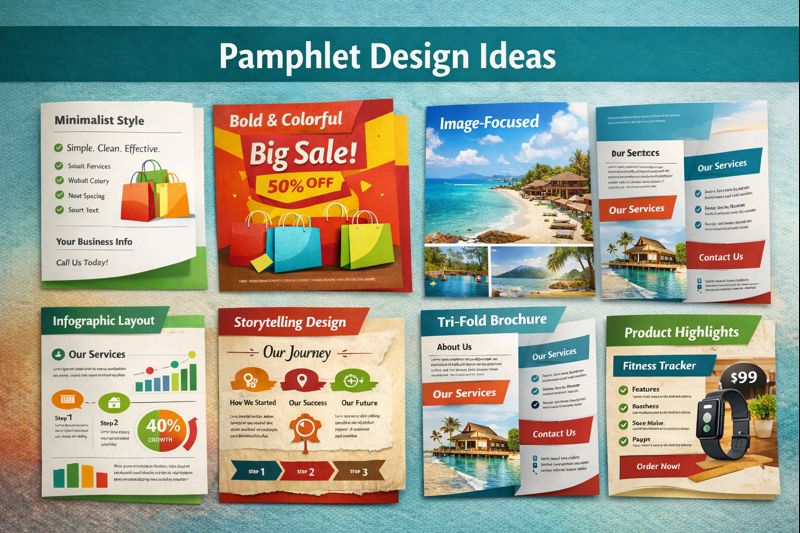
A clean layout uses simple colors, neat spacing, and short text. This design makes the content easy to understand and looks professional. It’s great for corporate, healthcare, and education businesses.
Using bright colors and eye-catching visuals helps attract attention instantly. This style works well for restaurants, retail stores, beauty salons, and event promotions.
Some pamphlets rely mostly on pictures and less text. High-quality images highlight products, services, or locations and help customers make quick decisions. Businesses like real estate, travel agencies, and photography studios benefit from this approach.
This design explains your brand story step-by-step. It makes customers feel connected by highlighting your journey, values, and achievements. It suits startups, NGOs, and personal brands.
Here, the focus is on showcasing products or services with price, features, and benefits. Customers can easily compare and choose what they need. Ideal for electronics, fitness centers, and service providers.
Infographics use icons, charts, and short information to make complex details simple. This design helps explain processes, pricing, statistics, or service steps. Best for healthcare, finance, tech companies, and education.
A tri-fold offers more design space with six different sections. It’s perfect for sharing offers, company profiles, testimonials, and contact details in an organized way.
This design uses classic fonts, textures, and unique illustrations. It stands out and looks artistic, making it suitable for cafés, boutiques, handicraft businesses, and creative studios.
Pamphlet design ideas help you create attractive and professional brochure-style pamphlets that promote your brand effectively. A good design grabs attention, delivers information clearly, and encourages people to take action.
Use a bold headline, clean layout, and a high-quality image to make the first impression strong.
Use short sections, bullet points, and enough white space so the content is easy to read.
Add your logo, brand colours, and uniform fonts to make your pamphlet look professional.
Tri-fold, bi-fold, and Z-fold are great options. Pick the one that suits your content style.
Use clear product photos, icons, or illustrations to make the design visually appealing.
Tell readers what to do next—call, visit your website, or avail an offer.
Keep the pamphlet clean. Avoid overcrowding by using short lines and simple graphics.
Make your brochure interactive by linking to your website, location, or product pages.
The graph above shows how combining printed pamphlets with online tools (QR codes, links, social media, WhatsApp buttons, discount codes) increases customer response over time.
From 2021 to 2025:
Offline pamphlet reach grows slowly.
Online engagement generated from pamphlets grows much faster once businesses start adding QR codes, digital offers, and direct links to online platforms.
Online engagement doubles offline growthonce physical pamphlets start directing customers to websites, social media, and digital offers.
A pamphlet is used to share important information about a business, event, product, or cause in a clear and attractive format. Its goal is to inform, promote, or guide the audience.
An effective pamphlet has a clean layout, strong visuals, readable fonts, and a clear message. It should quickly capture the reader’s attention and highlight key points.
Tri-fold and bi-fold pamphlets are most popular for business marketing because they offer structured sections to present services, offers, and contact details.
Most pamphlets are single-sheet formats like tri-fold or bi-fold, but you can also create multi-page versions depending on the amount of information you need to share.
Include a strong headline, brief content, images, key benefits, and a call-to-action such as contact details or website links.
Yes. Using consistent colours, logos, and design elements helps build brand identity and makes your pamphlet look professional.
Pamphlet design ideas are essential for creating marketing materials that capture attention and deliver your message effectively. With the right layout, visuals, colours, and content strategy, you can design a pamphlet that promotes your brand and leaves a lasting impression.
 Pratibha k
In today’s highly competitive digital ecosystem, businesses must rely on smart, performan...
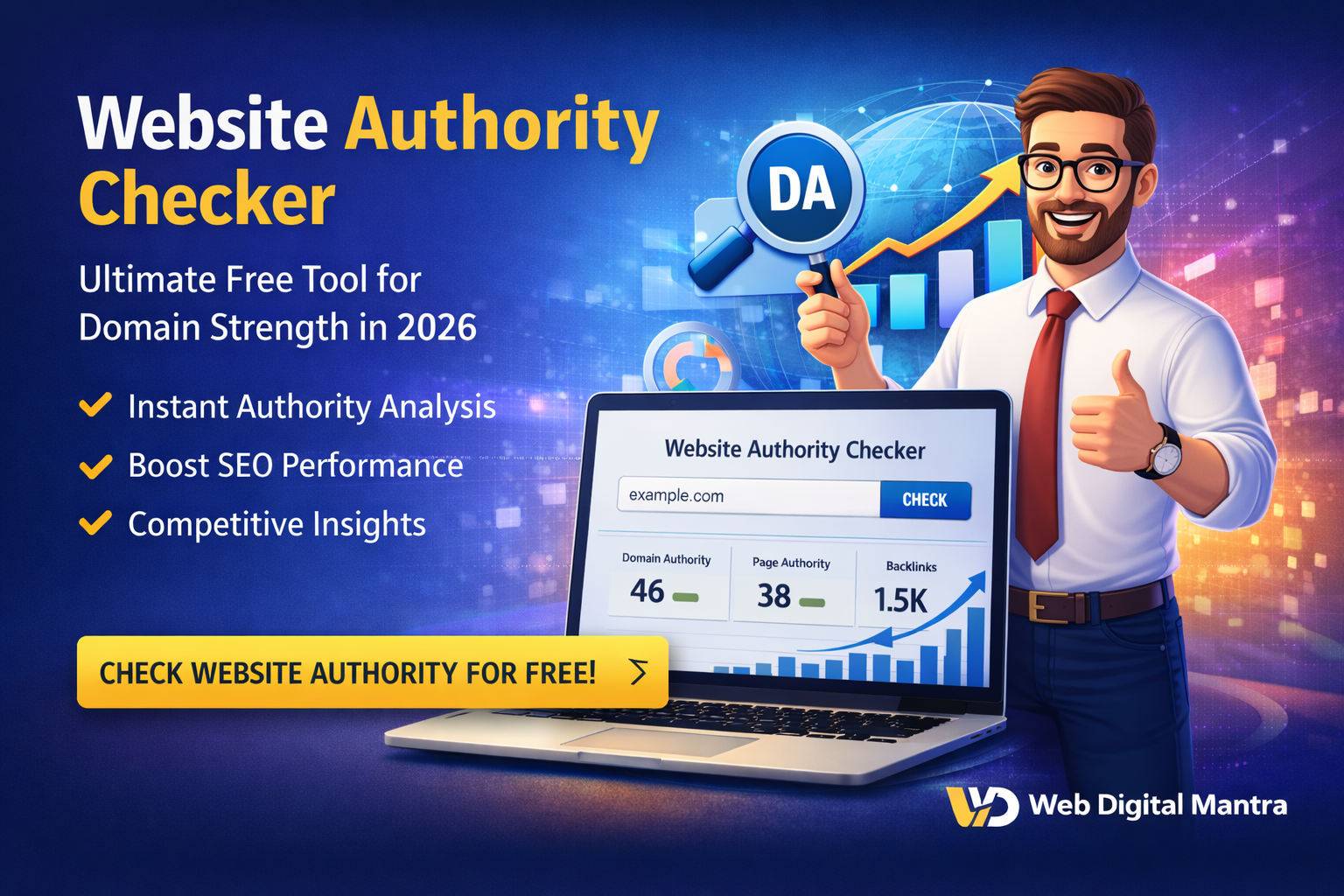
Domain Authority Checker: Ultimate Free Tool for Website 2026Website authority checker evaluate...
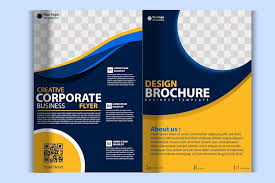
Pamphlet design ideas play an important role in creating eye-catching marketing materials that grab ...
Domain Authority Check: Best Free Tool to Measure Your Website's Strength in 2025Check domain author...
.jpg)
Pamphlet design plays a crucial role in capturing attention, conveying information, and effectively ...

Domain Authority Checker Helps the New Generation of Digital Creators in 2026Domain Authority checke...
.jpg)
Pamphlet design in marketing remains one of the most effective ways to present information clearly, ...
.jpg)
In today’s competitive digital and offline marketing landscape, pamphlet designremains one of the ...
Pamphlet design Ideasin an age dominated by digital marketing, pamphlet design continues to be...
Check Domain Authority: Best Free Tool to Measure Your Website's Strength in 2025 Check domain au...

Copyright @2020. All Rights Reserved by WEB DIGITAL MANTRA IT SERVICES PVT LTD


Post Reviews